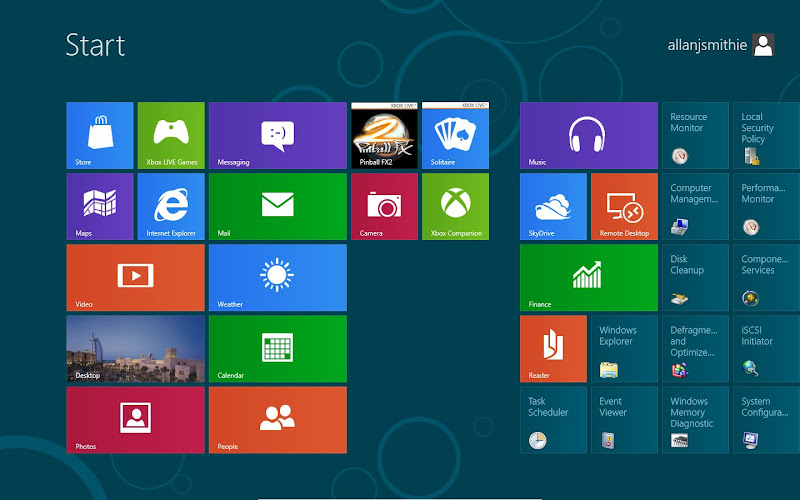
It's not something you expect to ask - how do I exit an application. But if you downloaded and installed either of the Windows 8 Previews, you'll find this a puzzle. Windows 8 is impressive but there's a startling lack of controls for closing full-screen Metro Apps in the new interface. Never mind touch-screens, what about a mouse and a keyboard?
The first thing to note is that in Windows 8, some apps are designed not to be closed. This is part of the general 'Metro experience' that came with the Developer Preview. You're not supposed to 'close' apps in a traditional sense, they go to a 'suspended' mode instead when you task switch - just go and do something else. Read more of this post


 WordPress.com

Niciun comentariu:
Trimiteți un comentariu